Top GitHub Repos Aug 17, 2026: Videos, Mice and Free APIs
Top GitHub repos Aug 17 2026: MoneyPrinterTurbo makes short videos, public-apis lists free data, OpenLogi frees your Logitech mouse, plus 2 more.
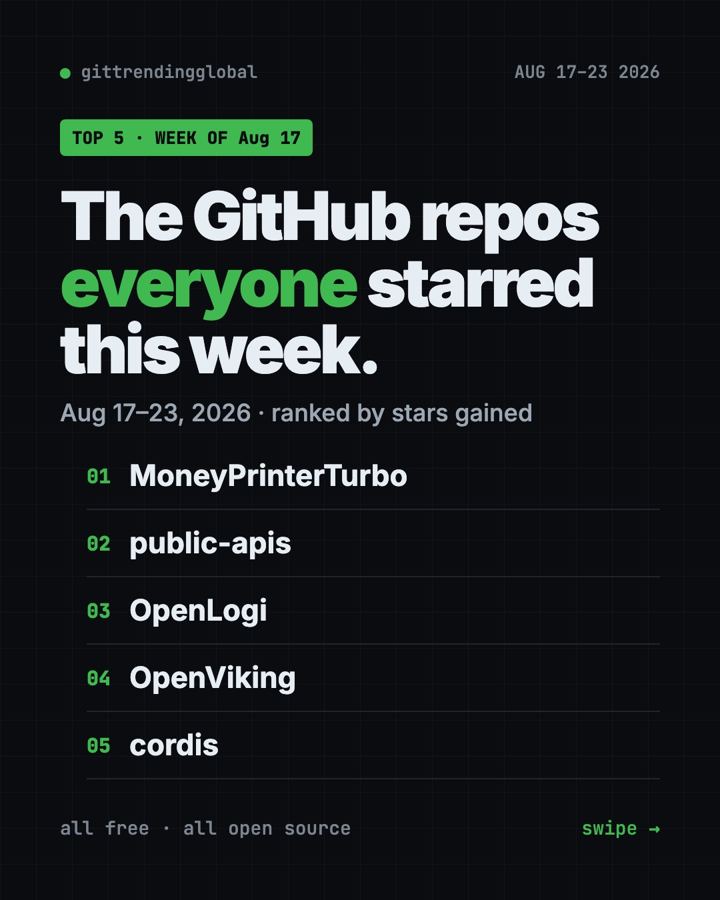
Top GitHub repos Aug 17 2026, the quick version: MoneyPrinterTurbo, a tool that turns a topic into a finished short video, led the week with +11.0K stars. A giant list of free data services came second, and an app that frees Logitech mice from Logitech's own software came third.
This week was less about AI coding and more about everyday stuff: videos, mice and free data. Here's what each repo does and how to try it.
Key takeaways
- MoneyPrinterTurbo won Aug 17 to 23 with +11.0K stars. Give it a topic and it writes, voices and edits a short video.
- public-apis is a famous list of free data services. Nothing to install.
- OpenLogi replaces Logitech Options+ with no account and no tracking.
- OpenViking and Cordis are for builders. Skip them if you don't code.

Top GitHub repos Aug 17 2026 side by side
| Repo | What it does | Best for | Free? | Setup |
|---|---|---|---|---|
| MoneyPrinterTurbo | Makes short videos from a topic | Creators, small businesses | Yes (MIT), AI keys may cost money | Docker or Windows package |
| public-apis | List of free APIs | Learners, app builders | Yes (MIT) | None |
| OpenLogi | Customizes Logitech mice | Logitech owners | Yes (Apache-2.0) | Download or one command |
| OpenViking | Memory and knowledge store for AI agents | AI builders | Yes (AGPL-3.0) | Python tool |
| Cordis | Build apps from swappable parts | Programmers | Yes (MIT) | npm |
Star gains cover Aug 17 to 23, 2026. Totals were checked on GitHub on October 16, 2026.
1. MoneyPrinterTurbo: a short video from one topic
Stars: +11.0K this week · about 131.5K total
What it is: Type a topic or a keyword. MoneyPrinterTurbo writes the script, finds matching video clips, adds a voiceover, subtitles and music, and exports an HD video. It can make tall 9:16 videos for Reels and TikTok, or wide and square ones. A free voice option needs no key.
Who it's for: Creators, shop owners and anyone who needs lots of short videos.
Everyday use: "5 tips for better sleep" in, a vertical video with voice and subtitles out.
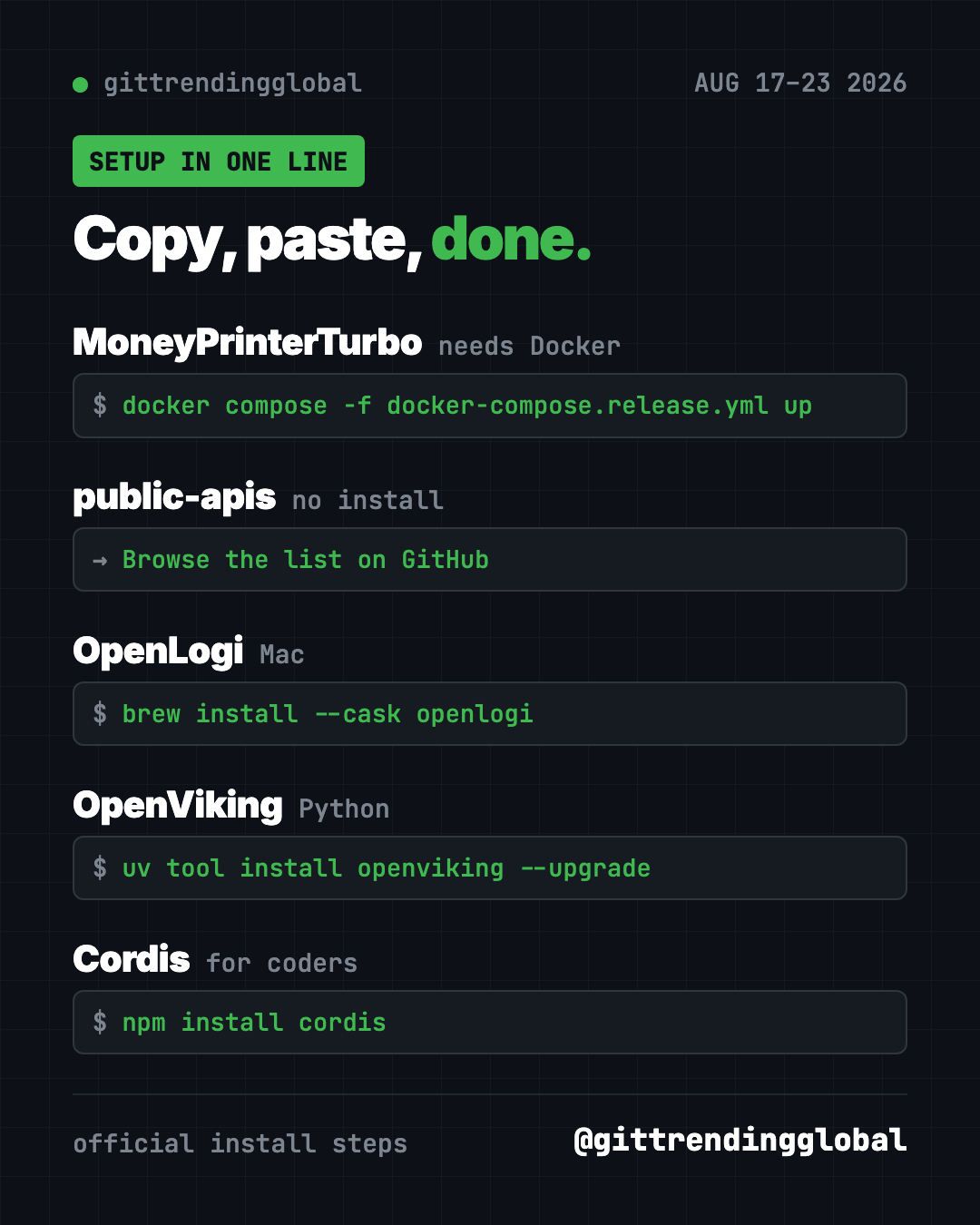
Install it: On Windows, the README's easiest path is the one-click package on the Releases page. With Docker (a free app that runs software in a sealed box), copy and paste this:
git clone https://github.com/harry0703/MoneyPrinterTurbo.git
cd MoneyPrinterTurbo
docker compose -f docker-compose.release.yml up
Then open http://127.0.0.1:8501 in your browser.
Let Claude or Codex do it:
Install MoneyPrinterTurbo from github.com/harry0703/MoneyPrinterTurbo, help me add my AI and Pexels keys, and make a 30-second vertical test video.
⚠️ Heads up: Despite the name, it prints videos, not money. The script writer uses an AI model, which usually needs a paid key. Free stock footage sites like Pexels ask for a free key too.
See MoneyPrinterTurbo on GitHub
2. public-apis: a giant menu of free data
Stars: +9.4K this week · about 489K total
What it is: A long list of free APIs, sorted by topic. An API is a doorway that lets one app ask another for data. Think weather, recipes, sports scores or dog photos.
Who it's for: People learning to code, and anyone building a small app with AI help.
Everyday use: Find a free weather API, then ask your AI helper to build a tiny "should I bike today?" page with it.
Install it: Nothing to install. Browse it on GitHub. Want a local copy? Copy and paste this:
git clone https://github.com/public-apis/public-apis.git
Let Claude or Codex do it:
Pick a free weather API from github.com/public-apis/public-apis and build me a one-page site that shows today's forecast for my city.
3. OpenLogi: your Logitech mouse, your rules
Stars: +5.0K this week · about 23.6K total
What it is: A free app that replaces Logitech Options+. It remaps buttons and changes pointer speed and scroll-wheel behavior. It needs no account and sends no usage data.
Who it's for: Anyone with a Logitech mouse who's tired of logins and heavy software.
Everyday use: Set the side button to "copy" and the other to "paste."
Install it: Download it from the Releases page (Mac, Windows or Linux). On a Mac with Homebrew, copy and paste this:
brew install --cask openlogi
Quit Logi Options+ first. The two apps fight over the same connection.
Let Claude or Codex do it:
Install OpenLogi from github.com/AprilNEA/OpenLogi the official way for my computer, after reminding me to quit Logi Options+.
Read our full OpenLogi guide for every step.
4. OpenViking: a filing cabinet for AI memory
Stars: +3.4K this week · about 40.0K total
What it is: A "context database" from Volcano Engine. It stores what an AI agent knows, remembers and can do as folders and files. So you can open it and see what's stored, instead of guessing.
Who it's for: People building AI agents that need to remember users and projects.
Everyday use: Check exactly what your agent "remembers" about you, and edit it like a note.
Install it: You can try OpenViking Studio in your browser first. To run it yourself, copy and paste this:
uv tool install openviking --upgrade && openviking-server init
Let Claude or Codex do it:
Install and start an OpenViking server from github.com/volcengine/OpenViking, asking me for the model provider and key instead of guessing.
5. Cordis: build apps from swappable parts
Stars: +3.4K this week · about 9.2K total
What it is: A framework, which is a starter kit for programmers. Cordis lets you build an app from plug-in parts you can add, swap or remove while it runs. The README warns it is under active development, and its API may change.
Who it's for: Programmers only. If you don't code, skip this one.
Everyday use: Build a chat bot where each feature is a plug-in you can switch on and off.
Install it: Copy and paste this:
npm install cordis
Let Claude or Codex do it:
Read github.com/cordiverse/cordis and its docs, then explain in plain words how its plug-ins work with one tiny example.
Which one should you try first?
- You post short videos: go for MoneyPrinterTurbo.
- You own a Logitech mouse: install OpenLogi today. It's the quickest win.
- You're learning to code: bookmark public-apis.
- You build AI agents: test OpenViking, then peek at Cordis.
💡 Tip: Brand new to all this? OpenLogi is a normal app you download and click. No terminal needed.
For more, see the best GitHub repos of August 2026 and August 2026 in AI. Or go to the week before or the week after.
FAQ
What were the top GitHub repos Aug 17 2026?
MoneyPrinterTurbo (+11.0K stars), public-apis (+9.4K), OpenLogi (+5.0K), OpenViking (+3.4K) and Cordis (+3.4K).
Is MoneyPrinterTurbo free?
The software is free and open source. The AI model that writes scripts usually needs a paid key, and some voice and video services cost money too.
Does OpenLogi work without Logitech's app?
Yes. That's the point. Quit Logi Options+ first, because only one app can control a receiver at a time.
What is an API?
It's a doorway that lets one program ask another for data, like today's weather. public-apis lists free ones.
Want one new free tool explained every day? Follow @gittrendingglobal on Instagram.
📲 See this as a swipeable post on Instagram
Keep reading
Trending GitHub Repos October 2026: The Top 5 So Far
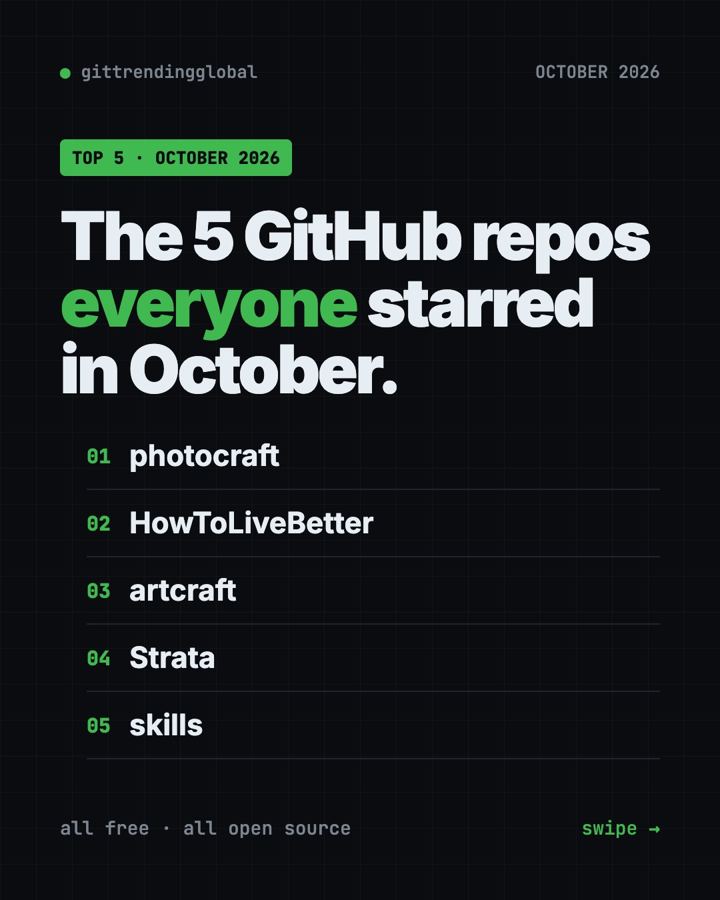
The trending GitHub repos of October 2026 so far: a free Photoshop-style editor, an AI art studio, a big AI model for gaming PCs and more, explained.
Trending GitHub Repos This Week, Oct 5 2026: The Top 5
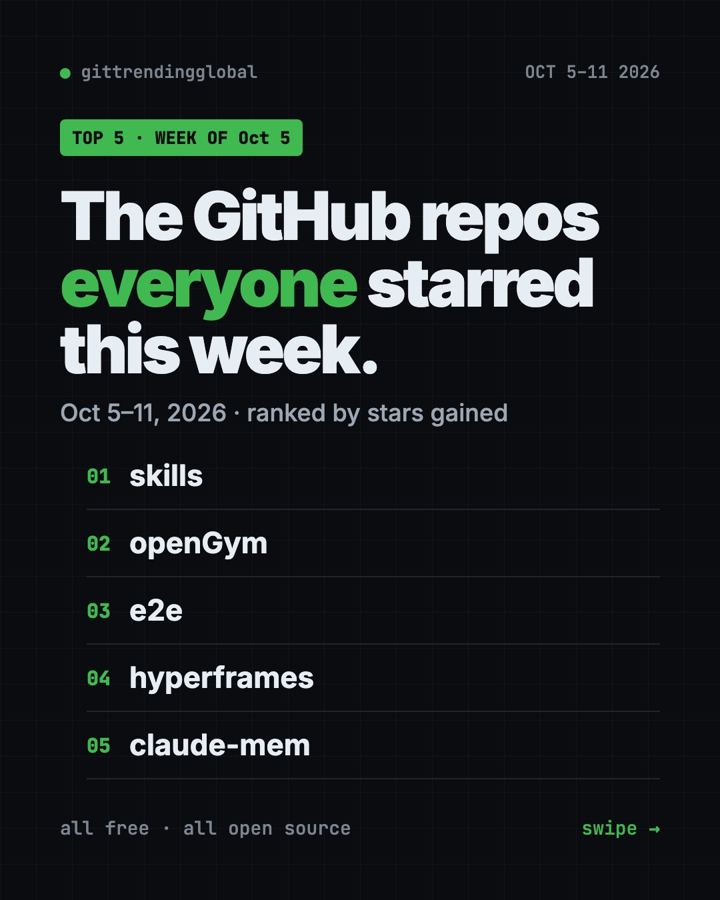
Trending GitHub repos this week Oct 5 2026: Matt Pocock's skills, the openGym workout tracker, e2e testing, HyperFrames video and claude-mem memory.
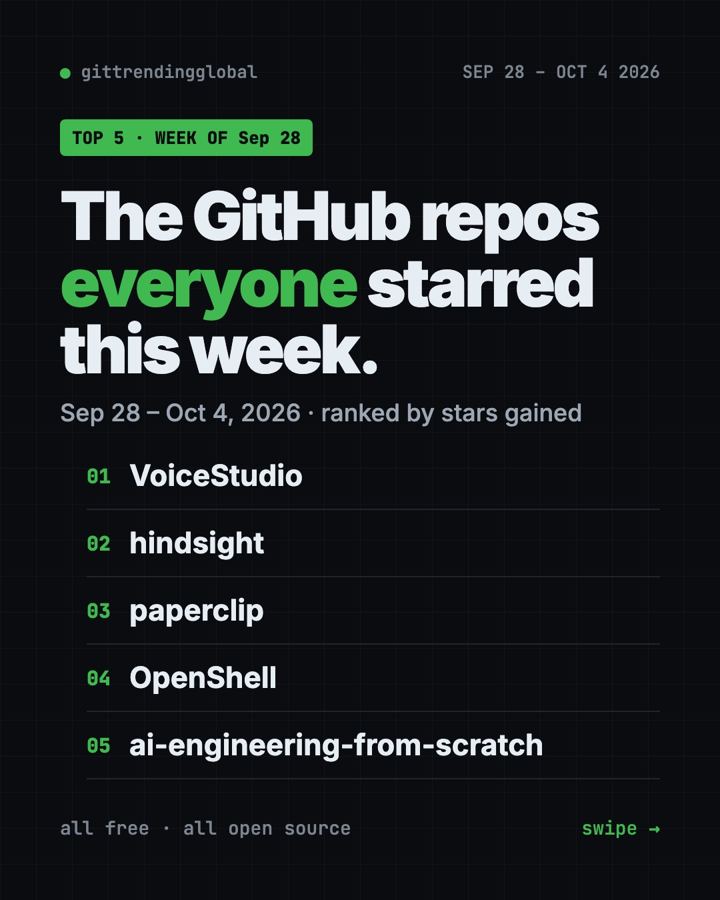
GitHub Trending September 28, 2026: VoiceStudio Takes #1
GitHub trending September 28 2026: VoiceStudio, Hindsight, Paperclip, NVIDIA's OpenShell and a free 542-lesson AI course, with setup steps for each.